It's very simple to get Everway Tasks:
On a desktop browser, go to: https://tasks.everway.com
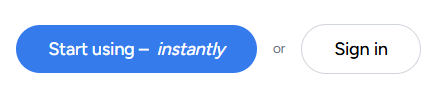
Click “Start using instantly”, or "Sign-in" to use your Google or Microsoft account.
Start using! Follow the provided onboarding in the app.
Bonus: you can install Tasks so it appears on your Taskbar and Start menu like an installed Windows application. Either click the “Install now” button on the landing page:

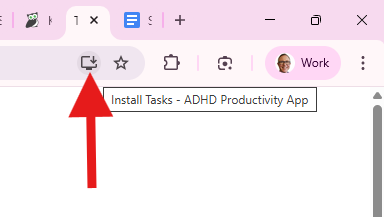
Or at any time click the Install button in your web browser (Chrome, Edge or Safari):
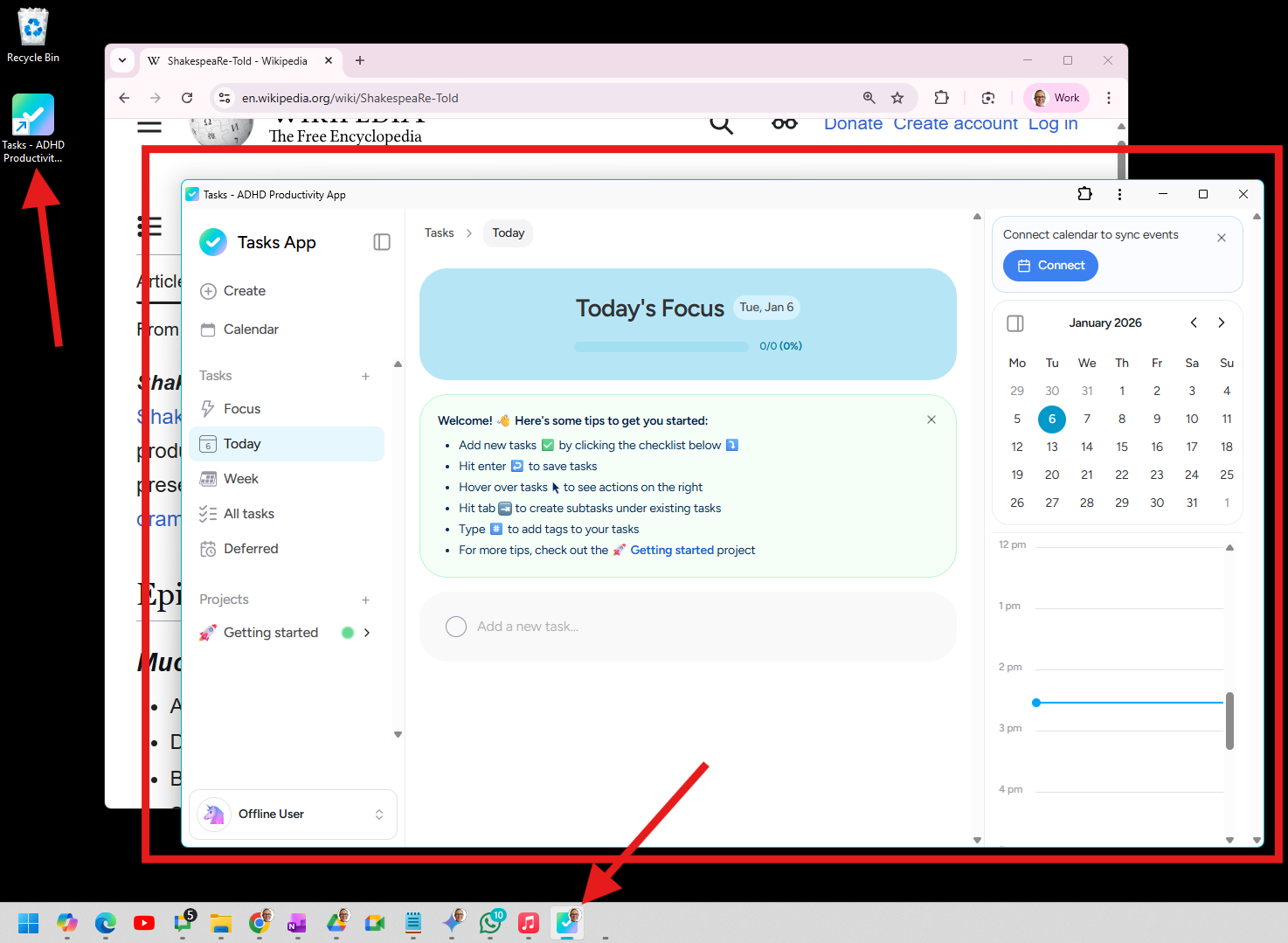
Now you can find Tasks in your Taskbar, a shortcut on your desktop, and it appears as a real window - not just a browser tab!